
Promoting Your Business Profile on Google Maps
A Complete Guide to Getting Your Listing into the Top 3
Google Maps promotion (local SEO) is built on three pillars: Relevance (an accurate primary category, completed service sections, and review semantics), Distance (the customer's coordinates and the correct placement of the map pin over the entrance), and Prominence (a rating above 4.5, fresh reviews, authentic photos, and an optimized website with structured data). Put all these elements together, and your business can secure a place in the top 3 of the Local Pack without overspending on clicks.
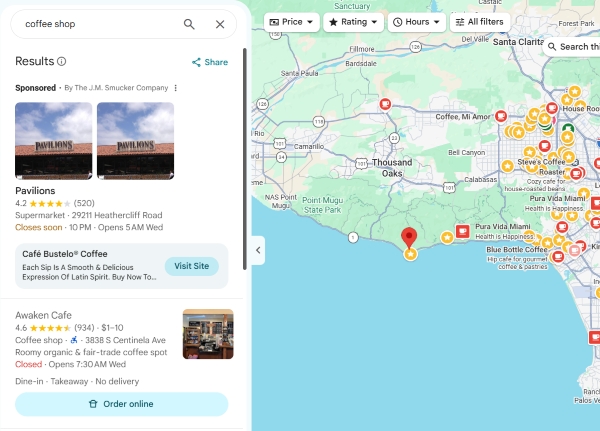
When people search for a place to have dinner, replace their brake discs, or get a dental X-ray, they rarely open traditional websites from the search results. They take out their smartphones, enter a query directly into Google Maps or the browser's search bar, and choose one of the first three businesses displayed on the screen.
This group of three businesses is called the Google Local Pack. Getting featured there can generate a steady stream of free phone calls, WhatsApp messages, and directions straight to your door. Below is a systematic promotion strategy, from basic profile maintenance to dominating local search.
3 Factors Google Uses to Rank Businesses
Google officially identifies three groups of signals used to rank local businesses:
| Ranking factor | What it determines | What the algorithm evaluates | How to improve it |
|---|---|---|---|
| 1. Relevance | How closely the profile matches the search query | Primary and additional categories, product listings, service lists, attributes | Choose a precise, specific category and fill out the price list in detail |
| 2. Distance | Physical distance from the user | The device's GPS coordinates and the business address pin | Place the pin directly over the entrance and configure service areas |
| 3. Prominence | The brand's authority and popularity online and offline | Number and freshness of reviews, rating, website link authority, NAP consistency | Systematically collect reviews and optimize your website |
Step-by-Step Business Profile Promotion Strategy
Step 1. Get the Basics Right
Before expecting higher rankings, make sure your profile fully complies with the platform's guidelines:
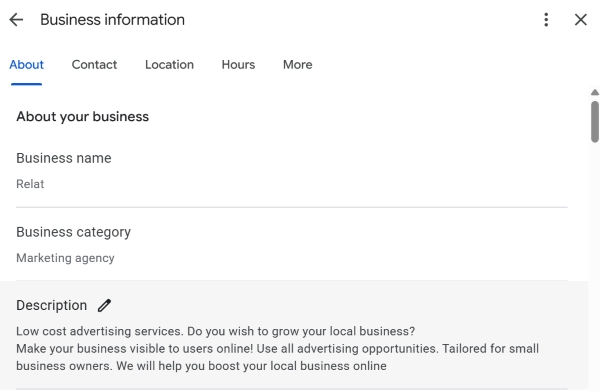
- Spam-free business name - use the actual brand name displayed on your storefront sign (for example, Denta Clinic). Do not add lists of services or locations, such as Denta Clinic Dentistry Moscow Affordable Cavity Treatment. Keyword stuffing in the business name can eventually get your listing suspended.
- Primary category - choose the most specific category available in Google's directory. Instead of a generic "Medical Center," select "Dental Clinic." Add 2-4 relevant secondary categories.
- Data consistency (NAP) - the business name, address, and phone number must be identical across Maps, your website header and footer, and your social media pages.
Step 2. Visual Presentation and Products
A profile with empty sections will never outperform an active competitor:
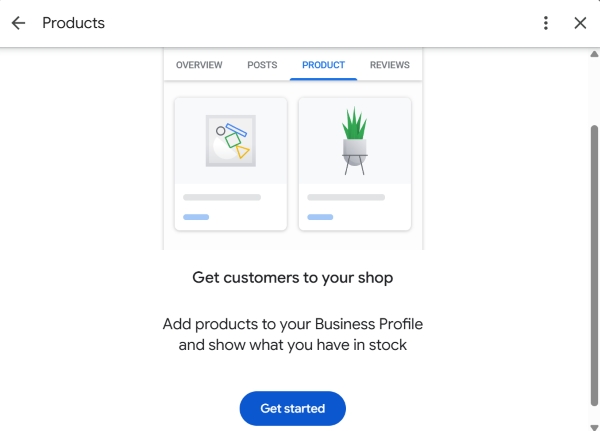
- Products section - upload a carousel featuring 6-12 flagship products or services, with clear photos, actual prices, and links to relevant pages on your website.
- Services section - select all the services you provide from the catalog and be sure to add your own entries (Custom Services), with descriptions of the work involved, 200-300 characters long.
- Attributes - indicate accepted card payments, parking availability, accessibility for guests with reduced mobility, and Wi-Fi.
Step 3. Photo Gallery: Proof That Your Business Is Real
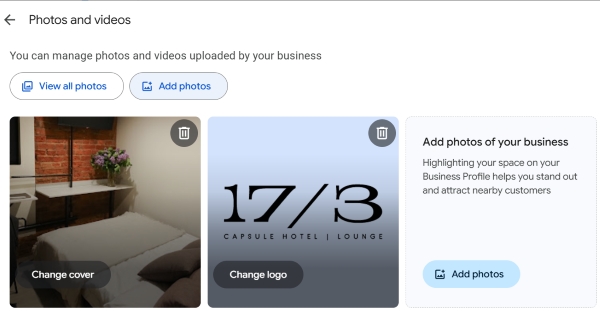
Google's AI scans objects in photos to assess the quality of the premises. Upload at least 15-20 images:
- The building's exterior with visible signage in daylight, plus a view showing how to approach by car.
- A clean reception desk, waiting area, and spacious rooms.
- Employees in neat uniforms while performing their work.
- A short video (up to 30 seconds) showing the way from a nearby bus stop or parking area to the entrance.
Step 4. Reputation: Reviews with Relevant Keywords
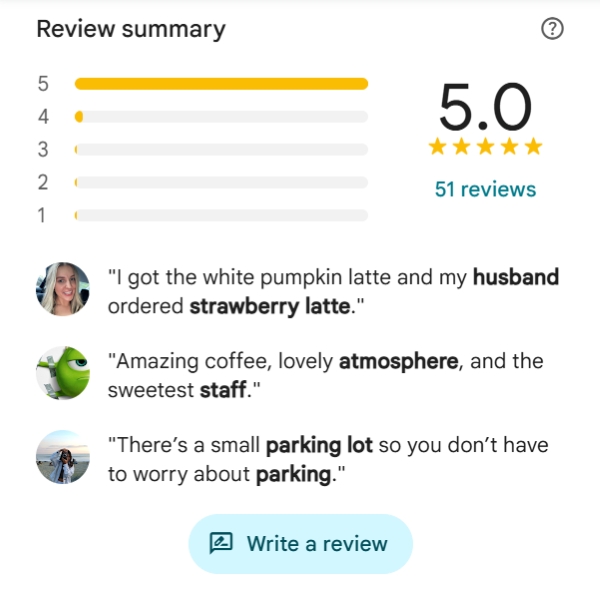
Reviews are a powerful prominence signal. However, the average rating is not the only thing that matters. The content and context of reviews are important too:
- Keywords in comments - when a satisfied customer writes, "Thank you to Dr. Sergey for a painless wisdom tooth extraction," the listing may become more relevant to searches for "wisdom tooth extraction." Encourage customers to mention the procedure and the specialist.
- Respond to 100% of reviews - reply to every review within 24 hours. Naturally incorporate relevant key phrases into your responses and thank customers for their trust.
- Handle complaints - respond to one-star reviews promptly and calmly. Investigate the situation based on the facts and move the conversation to private messages.
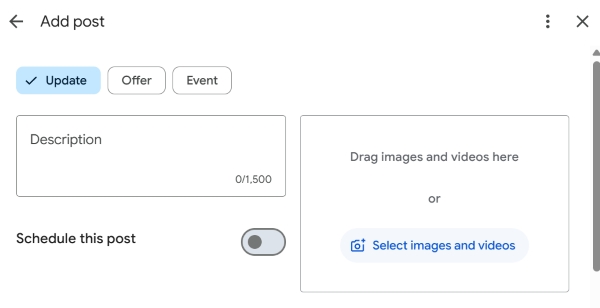
Step 5. Activity Signals
Publish one post every 7-10 days using the Add update section. Share completed work in a case-study format, announce seasonal special offers with promo codes, and provide expert tips. This helps keep your profile active and generates regular clicks.
Important - Do not try to manipulate reviews through task marketplaces or write them using your business's work Wi-Fi. Google's anti-spam algorithms can detect matching IP addresses and device geolocations. Review manipulation can lead to reviews being removed or your listing being subject to a hidden penalty.
Connecting Your Business Profile to Your Website: Local SEO
Your Maps listing can rank higher when the landing page linked through the "Website" button has stronger authority:
- Link to the branch page, not the general homepage - the landing page should include the exact address of that location, business hours, an interactive Google Map, and walking directions.
- Implement structured data - mark up your contact details using
Schema.org (LocalBusiness). - Mobile speed - the landing page should load on mobile devices in under 2.5 seconds so users do not return to the search results.
Checklist: Is Your Business Profile Ready for the Top 3?
Frequently Asked Questions
What is the Local Pack in Google Search, and why does everyone want to appear in it?
The Local Pack is a block featuring three of the most relevant local businesses alongside an interactive map. It appears at the very top of Google Search results for location-based queries, such as "auto repair near me" or "Sokol dental clinic." These three listings can account for up to 70% of calls and direction requests from mobile devices.
How long does it take to get a new listing into the Google Maps top results?
With basic profile optimization, no keyword spam in the business name, and the first 5-10 genuine reviews containing relevant keywords, initial rankings within the local neighborhood can stabilize within 3-4 weeks. In highly competitive industries, consistent leadership within a 3-5 km radius may take 2-4 months of regular profile management.
Want to get your business into the Google Maps top 3 in your city?
Leave a comment with your business type and location address. We will conduct a quick audit of your listing's current rankings and suggest opportunities for rapid improvement.